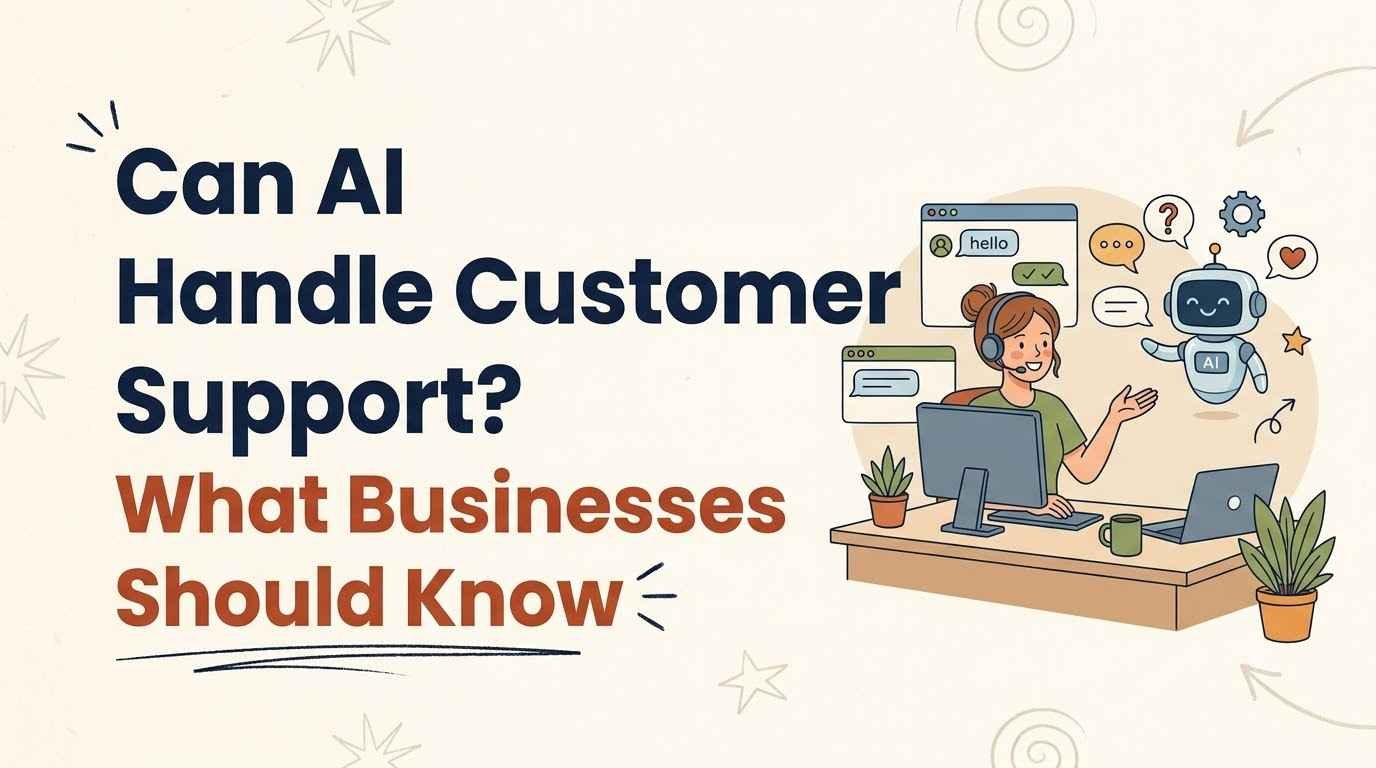
Can AI Handle Customer Support? What Businesses Should Know
AI can handle many routine customer support tasks, but that does not mean businesses should hand every customer conversation to a machine. The best use of AI is usually a mix of automation and human support.
For a small business, AI can answer common questions, organize requests, draft replies, and help support teams respond faster. Humans should remain responsible for complex, sensitive, or unusual situations.
| Day-One Metric | Beginner Estimate |
|---|---|
| Hours to Basic Competency | 3–5 hours |
| Minimum Budget | $0 for basic AI-assisted support experiments |
| Learning Difficulty | 2/5 |
| Best First Project | Create an AI-assisted FAQ and response workflow |
What Can AI Handle in Customer Support?
AI is particularly useful when customers repeatedly ask the same straightforward questions.
An AI support system can potentially help with:
- Frequently asked questions
- Basic product information
- Order or service instructions
- Appointment information
- Troubleshooting steps
- Initial request classification
- Drafting customer replies
- Routing conversations to the right team
This can reduce repetitive work for support staff.
The important question is not whether AI can answer a question. It is whether it can answer that question accurately and safely enough for your business.
1. Answer Frequently Asked Questions
Businesses often receive the same questions every day.
Examples include:
- What are your opening hours?
- How does the service work?
- What payment methods do you accept?
- How long does delivery take?
- How can I change my booking?
- Where can I find a particular product?
These are good candidates for AI-assisted responses when the information is clear and reliable.
2. Handle Initial Customer Requests
AI can also act as a first point of contact.
It can ask basic questions and determine what the customer needs.
For example:
Customer → AI → Identify issue → Gather details → Route to human
This can save a support team from manually sorting every incoming request.
3. Draft Replies for Human Agents
AI does not have to speak directly to customers.
A support employee can provide the conversation and ask AI to draft a response.
The employee then reviews it before sending.
This approach can be useful because it combines AI speed with human oversight.
Where AI Customer Support Starts to Struggle
AI becomes less reliable when a conversation requires context, judgment, or emotional understanding.
A customer might have a problem that does not match your standard FAQ.
They may also be frustrated or dealing with a complicated situation.
Complex Problems
If the issue involves several unusual circumstances, a scripted AI response may not be enough.
The system may misunderstand the customer’s actual problem.
Sensitive Conversations
Complaints, disputes, cancellations, financial problems, or other sensitive situations may require a person.
Customers often want reassurance and accountability, not just information.
Questions Outside the Knowledge Base
An AI system can only reliably answer questions when it has access to accurate information.
If the underlying information is incomplete or outdated, the response can also be wrong.
Automation does not fix bad information.
The Beginner Friction Factor: AI Gives the Wrong Answer Confidently
One of the biggest practical risks is assuming that a fluent answer is an accurate answer.
AI can produce a response that sounds professional while containing an incorrect detail.
For customer support, that can create real problems.
A wrong answer about pricing, refunds, delivery, product specifications, or policies can damage trust.
How Businesses Can Reduce This Risk
Start with a limited knowledge base.
Give the AI access only to information that the business has reviewed.
Then establish clear rules for escalation.
For example:
If the question is outside the approved information → stop guessing → send to a human.
This is a much safer approach than asking an AI system to answer everything.
Can AI Make Customer Support Faster?
Yes, but speed should not be the only performance measure.
A support system should also be judged by:
- Accuracy
- Customer satisfaction
- Resolution rate
- Escalation rate
- Response quality
- Time saved for human agents
A faster incorrect answer is not an improvement.
A useful AI system should help customers reach the correct solution more efficiently.
Should Small Businesses Use AI Customer Support?
For many small businesses, starting with AI-assisted support can be more practical than attempting complete automation.
Instead of replacing the support process, use AI for one repetitive task.
For example:
- Build a list of the 20 most common questions.
- Create approved answers.
- Use AI to organize or draft responses.
- Let a human review the output.
- Track which questions still require manual help.
This gives the business evidence about where automation actually works.
What Should Businesses Keep Human?
Some parts of customer support should remain firmly under human control.
Complaints and Escalations
Customers may need someone who can take responsibility for solving the problem.
Exceptions
If a customer’s situation falls outside standard policy, a human should usually make the decision.
High-Value Customers
Businesses may want a more personal experience for important or long-term customers.
Sensitive Information
Businesses also need appropriate safeguards around personal and confidential customer information.
Do not give an AI system access to information simply because it can technically process it.
AI Customer Support vs Human Customer Support
AI and human agents have different strengths.
| Task | AI Support | Human Support |
|---|---|---|
| Repeated FAQs | Strong fit | Often unnecessary |
| Simple instructions | Strong fit | Good backup |
| Initial request sorting | Strong fit | Useful for exceptions |
| Complex troubleshooting | Limited | Stronger |
| Complaints | Limited | Strong fit |
| Unusual requests | Limited | Strong fit |
| Empathy and relationship building | Limited | Strong fit |
| Final judgment | Should be limited | Strong fit |
The goal is not to choose one side.
A well-designed system gives routine work to AI and judgment-heavy work to people.
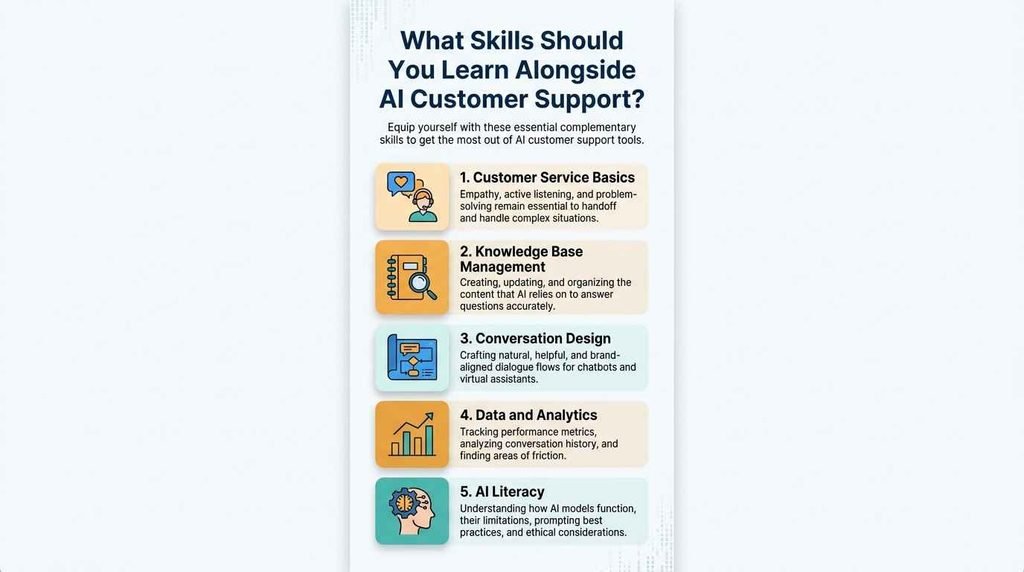
What Skills Should You Learn Alongside AI Customer Support?
Businesses adopting AI support still need people who understand customer service.
Focus on these foundations:
Customer Service Basics
Understand how to communicate clearly, manage expectations, and resolve problems.
Knowledge Base Management
Learn how to organize accurate information so both humans and AI can use it.
Conversation Design
Think about what questions customers are likely to ask and how the support journey should work.
Data and Analytics
Track whether AI support is actually improving the customer experience.
AI Literacy
Understand the tool’s limitations, escalation rules, and appropriate use cases.
The SkillAdvisor framework emphasizes practical learning and protecting beginners’ time and money rather than assuming one course is right for everyone.
Which Learning Platforms Could Help?
The supplied SkillAdvisor platform framework gives different roles to common learning platforms.
| Platform | Best Fit | Pricing Consideration |
|---|---|---|
| Udemy | Specific, practical workflows | Wait for frequent discount sales |
| Coursera / edX | Deeper concepts and structured learning | Many courses can be audited for free |
| LinkedIn Learning | Business software and professional workflows | Check whether your employer or library provides access |
The supplied materials do not identify specific current customer-support AI courses. We therefore would not invent course names or claim that a particular course is the best choice.
Instead, look for practical training that requires you to build something, such as an FAQ system, support workflow, chatbot prototype, or escalation process.
What Should You Learn Next?
Once you understand the basics of AI customer support, learn workflow design.
The important question becomes:
“What happens when the AI cannot solve the problem?”
A strong workflow might look like:
Customer question → AI response → Confidence check → Human escalation → Resolution → Feedback
This approach treats AI as one component of customer service rather than the entire system.
Your Day-One Action Plan
You do not need to build a sophisticated AI support system today.
Start with one small experiment.
- List your 10 most common customer questions.
- Write or collect the approved answers.
- Test AI on five questions and review every response for accuracy.
AI can handle customer support, but the strongest approach is selective automation.
Let AI handle repetitive, well-defined tasks. Keep humans involved when conversations require judgment, empathy, exceptions, or accountability.
For businesses, the goal should not be “replace support agents with AI.” A better goal is “give support teams better tools and more time for customers who need them.”
Your next step: collect your 10 most common support questions and test where AI can answer accurately without human intervention.